 Next.js
 React
React TypeScript
 MySQL
MySQL Tailwind CSS
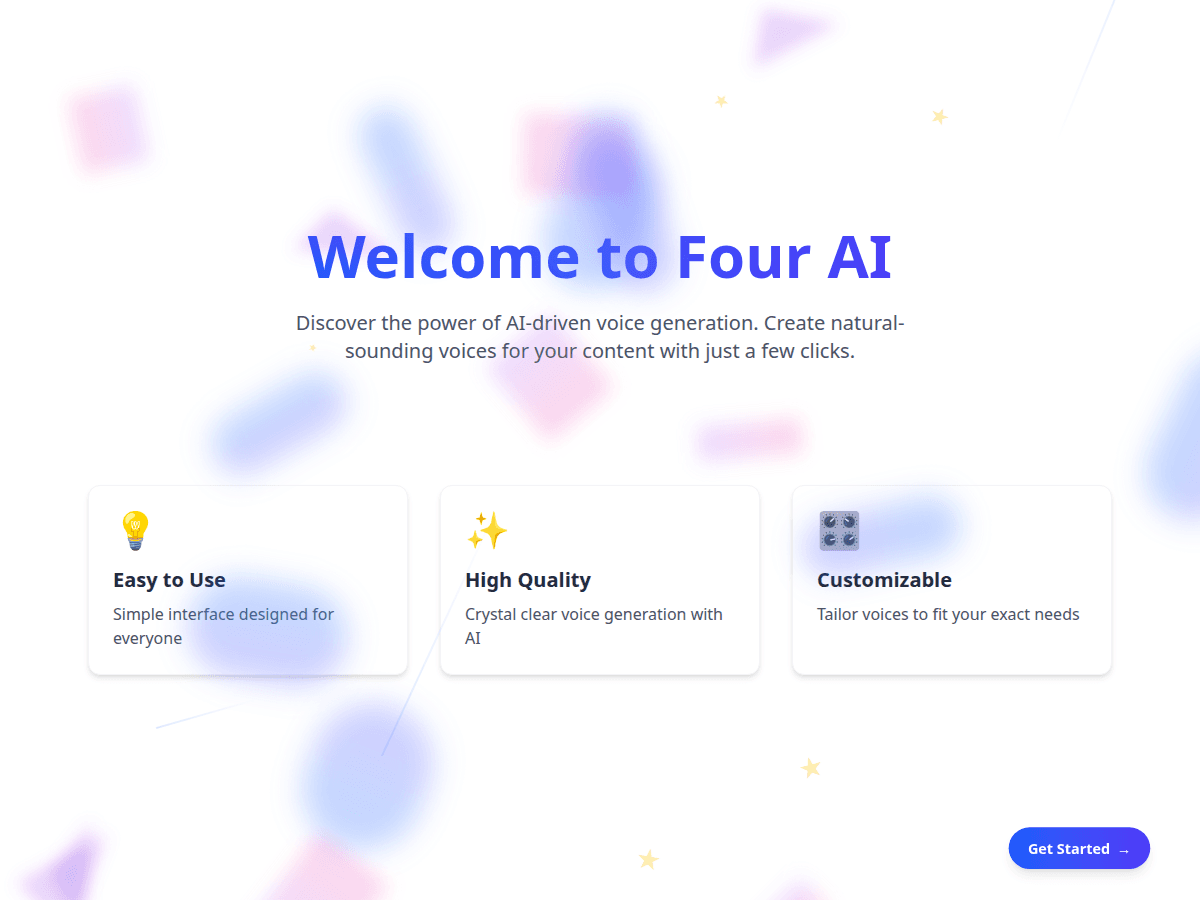
AI / Web Application
Four AI
A full-stack platform for AI voice generation, text-to-speech, voice changing and image generation — React and Vite frontend, serverless API and PostgreSQL.
- React
- Vite
- Hugging Face
- Neon PostgreSQL
- +1
 Vite
Vite Hugging Face
 Neon PostgreSQL
View Case Study
Case Study / AI / SaaS / Multi-Tenant
FrontDesk AI / 10 weeks
A multi-tenant SaaS that lets any business configure an AI agent, feed it knowledge, and embed a chat + voice-call widget on their website — capturing leads, transcripts and bookings in one dashboard.
Overview
An internal SaaS product idea: give agencies and small businesses an AI front desk they can install in minutes. The team wanted one deployable backend serving many business tenants, a zero-dependency widget any site could host, and an admin panel that made agent configuration, knowledge management and lead review approachable for non-technical operators.
Challenge
The situation before the engagement, in the client's terms.
Businesses want an AI front desk on their website, but wiring up an LLM provider, voice agent, transcript storage and lead flow is weeks of work nobody wants to repeat per customer.
Every business would need its own chat UI, voice plumbing and storage built from scratch.
A browser-facing widget exposes APIs to the open internet — spoofed origins and abuse had to be designed against.
Many businesses on one backend, each with private agents, knowledge, leads and transcripts.
Call lifecycle, recordings, transcripts and summaries arrive asynchronously from the provider via webhooks.
Objectives
What the build needed to achieve before implementation began.
Let a non-technical business install an AI agent on its website in minutes
Keep every tenant's agents, knowledge, leads and transcripts isolated
Treat the public widget API as hostile territory: keys, origins and rate limits
Capture every interaction as a lead with a complete, reviewable transcript
Convert conversations into meetings by syncing Calendly into the same pipeline
Solution Design
The approach that addressed each challenge above.
One deployable Next.js API serving a zero-dependency embed script, a separate React admin panel, and a five-table data model — with security controls baked into every public route.
API and static widget.js share one origin; the admin panel proxies /api in dev and behind a reverse proxy in prod.
Widget key plus Origin allowlist checks, dynamic CORS limited to allowed origins, and rate limits of 60/min config, 20/min chat and 3/hour calls.
Business as the tenant root; chat history serialised atomically per conversation; calls enriched by webhook keyed on provider call ID.
httpOnly cookies holding SHA-256 token hashes, instant revocation, and timing-safe HMAC verification with a replay window.
Capabilities
What FrontDesk AI does in day-to-day use.
A single script tag renders the chat/call bubble on any website, gated by widget key and origin allowlist.
Each business tunes its agent's name, tone, language and instructions — no code, from the dashboard.
Inline text and uploaded PDFs become retrievable knowledge, budgeted per response so answers stay grounded.
Visitors talk to a voice agent via Retell web calls; results stream back through a signed webhook.
Emails and phones are extracted from conversations, deduplicated per visitor, and stored as contacts.
Calendly events sync into the same pipeline, stitched to the contacts that scheduled them.
Technology Stack
Outcome
What changed for the business after launch.
1 line
To install the widget
A single script tag puts chat and voice on any customer website.
2
Channels per agent
Text chat and browser voice calls served by the same configured agent.
5
Application tables
User, Business, Contact, Conversation and Call carry the whole product.
3 layers
Of widget security
Widget key, origin allowlist and per-endpoint rate limiting on every public route.
Interface
Screens from the delivered system.
Conclusion
The MVP delivers the full loop — embed, converse, capture, review, book — with production-minded controls: signature-verified webhooks, origin pinning, per-endpoint rate limits and hashed session tokens. The surface stays small enough for a two-person team to operate while every tenant's data remains isolated behind role-guarded, business-scoped queries.
More work
Other systems built on similar foundations.
AI / Web Application
A full-stack platform for AI voice generation, text-to-speech, voice changing and image generation — React and Vite frontend, serverless API and PostgreSQL.
View Case Study
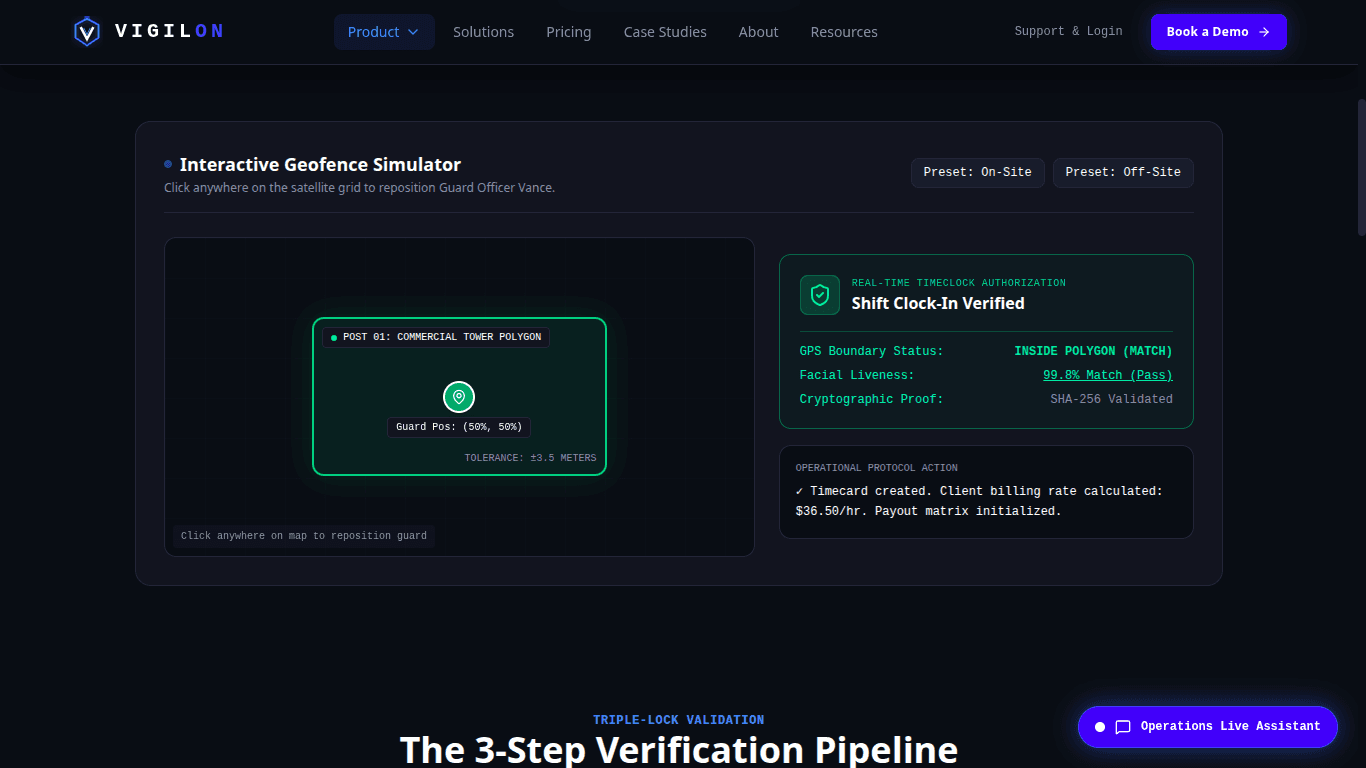
AI / Automation
Vigilon workforce operations command center for physical security agencies showing field telemetry, workforce dispatch, attendance verification, patrol compliance, and financial governance
View Case Study
Next step
Tell us what your business needs to automate and we'll map out a practical build.
hello@thedevrox.comWe reply to every enquiry within one business day.